
Every Jenny Mod download page lists two versions, and every player asks the same question: 1.12.2 or 1.21? The honest answer is that they are not two versions of the same release. Jenny Mod 1.12.2 is the original build, written for Minecraft Java 1.12.2. Jenny Mod 1.21 is a set of community ports, made by different people, at different times, for a newer Minecraft.
Table of Contents
The Short Answer
If you are setting up Jenny Mod from scratch, use 1.12.2. It is the original build, it has the fullest features, and it has the longest track record: years of players testing it, fixing it, and writing about it. If you already play Minecraft 1.21 and do not want to change versions, use a 1.21 port, and check it carefully first, because ports vary in quality.
What Jenny Mod 1.12.2 Is
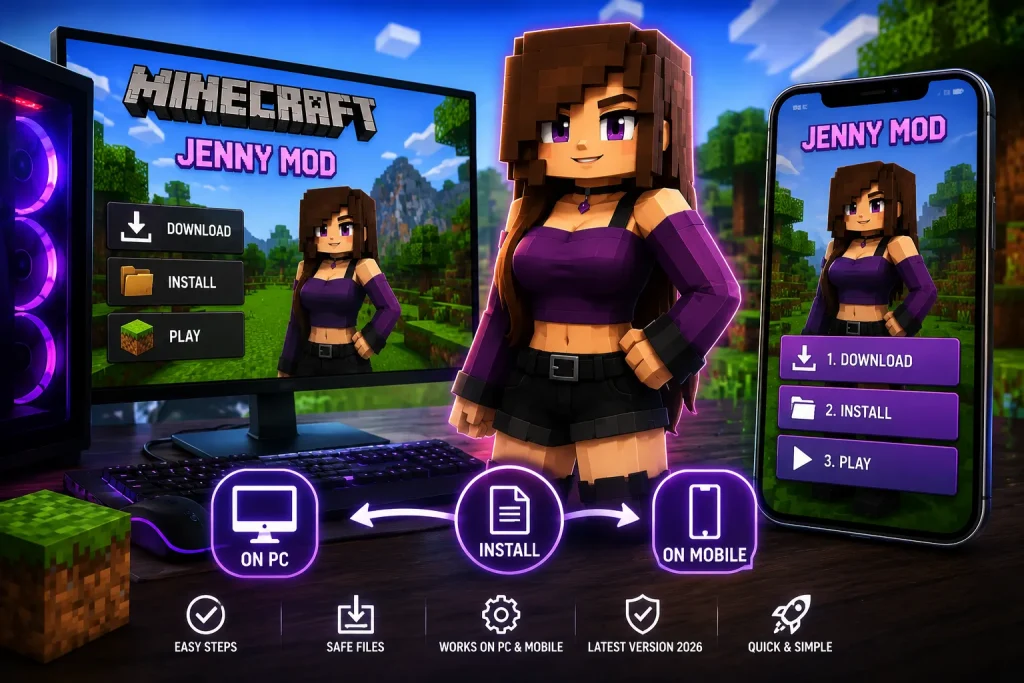
The original Jenny Mod was written by SlipperyTum and later maintained by SchnurriTV, for Minecraft Java 1.12.2. It runs with Forge 1.12.2 and Java 8, as a .jar file of around 40-50 MB that goes in the mods folder. It is the version with the fullest character roster, the complete animations, and the most testing behind it, and it is the build our download page lists verified files for.
Why does the original still matter years later? Because Minecraft modding moves on, but a finished mod does not get worse with age. The 1.12.2 build is complete: nothing about it is a work in progress, and every common problem with it has been seen and solved before.
What Jenny Mod 1.21 Builds Are
Jenny Mod 1.21 builds are community ports: players and modders who took the original mod and rebuilt it for Minecraft 1.21. They run with Forge 1.21 and Java 17, as .jar files for Java Edition. There is no single official 1.21 release from the original creator, and that is the key fact about them: two files both called "Jenny Mod 1.21" can be completely different builds, from different people, at different stages of completeness.
Some 1.21 ports work well and keep the full character set. Others are outdated, incomplete, or repackaged by download sites with extra files you did not ask for. A port can also break when Minecraft updates: a 1.21.1 port may not work on 1.21.4, while the 1.12.2 original never changes, because 1.12.2 itself never changes.
1.12.2 vs 1.21: Side by Side
Jenny Mod 1.12.2 vs 1.21 at a glance
- Origin: 1.12.2 is the original build by SlipperyTum, later SchnurriTV. 1.21 builds are community ports, not the original release.
- Minecraft version: 1.12.2 needs Java Edition 1.12.2. 1.21 ports need Java Edition 1.21, and the exact point release matters.
- Mod loader: 1.12.2 uses Forge 1.12.2. 1.21 ports use Forge 1.21. A file built for one loader version will not run on the other.
- Java: 1.12.2 needs Java 8. 1.21 ports need Java 17. The wrong Java is a common reason either version will not start.
- File: both are .jar files, around 40-50 MB for the original. A tiny file with either version in its name is not the mod.
- Features: 1.12.2 has the fullest character roster and complete animations. Ports may miss features or characters, and it varies by port.
- Stability: 1.12.2 has years of testing behind it. Ports vary: some are stable, some crash, and the difference is the port, not your computer.
Which Version Should You Choose?
Pick by your edition and your Minecraft version, not by the biggest number. Newer is not automatically better with this mod.
- Setting up fresh for Jenny Mod: use 1.12.2 with Forge 1.12.2 and Java 8. It is the most tested version, and the install is the best documented.
- Already playing Minecraft 1.21 on Java: use a 1.21 port for your exact version, with Forge 1.21 and Java 17. Check the file first: version in the name, plausible size, scan it.
- Playing Bedrock or MCPE: the addon covers Bedrock 1.17.0 through 1.21.71, so Bedrock 1.21 needs no port. See our MCPE guide.
- Not sure which Minecraft you have: start with 1.12.2 Java or the Bedrock addon. Both are the versions with the most testing behind them.
Installing 1.12.2
Install Java 8, then Forge 1.12.2 from the official Forge site, then launch the Forge profile once so the mods folder is created. Download the verified .jar for 1.12.2 from our download page, put it in the mods folder without unzipping it, and launch on the Forge profile. The full walkthrough is in our 1.12.2 Forge install guide.
Installing a 1.21 Port
Installing a 1.21 port follows the same shape, with different versions: Java 17, Forge 1.21, and a .jar built for your exact 1.21 point release. The extra step is the file check, because ports vary. Before you install, confirm the file name states the Minecraft version, check the size is plausible (around 40-50 MB for a full Java build), scan the file, and back up your worlds. If the port crashes, the port is the most likely cause: try a different port, or fall back to 1.12.2.
Bedrock 1.21: The Third Option
Bedrock players skip this whole comparison. The Jenny Mod addon for MCPE and Bedrock is a .mcaddon file, not a Java mod, and it works with Bedrock versions from 1.17.0 through 1.21.71. If your Minecraft Bedrock is 1.21, the addon route is the one that matches your version: no port, no Forge, no Java version to match. The steps are on our MCPE guide.
One more warning: Jenny Mod includes mature content meant for adults. If you are a parent checking a download for a child, read our age guide first.
Next step: Jenny Mod 1.12.2 Forge Install - the step-by-step install for the original build, the version we recommend starting with.
Frequently Asked Questions FAQS
Is Jenny Mod 1.12.2 better than 1.21?
For stability, yes. The 1.12.2 build is the original, with years of community testing behind it. The 1.21 builds are community ports, and their quality varies. If you already play on 1.21, use the port for your version.
Is there an official Jenny Mod 1.21?
No. There is no single official 1.21 release from the original creator. The original Jenny Mod was built for Minecraft Java 1.12.2. Builds labelled 1.21 are community ports made for newer Minecraft versions, and different ports behave differently.
Can I play Jenny Mod 1.12.2 and 1.21 on the same computer?
Yes. They are separate installs: a 1.12.2 Forge profile with Java 8, and a 1.21 Forge profile with Java 17, each with its own mods folder. The launcher keeps them apart, so one does not affect the other. Back up your worlds before switching between them.
Which Java version does each one need?
Jenny Mod 1.12.2 needs Java 8, because Minecraft 1.12.2 runs on Java 8. Jenny Mod 1.21 ports need Java 17, because Minecraft 1.21 runs on Java 17. Using the wrong Java is one of the most common reasons either version will not start.
Does Jenny Mod work on Bedrock 1.21?
Yes. The Jenny Mod addon for MCPE and Bedrock works with Bedrock versions 1.17.0 through 1.21.71, so Bedrock 1.21 is covered. Import the .mcaddon file and activate the behavior and resource packs in your world settings. The full steps are on our MCPE guide.
Should I switch from 1.12.2 to 1.21?
Only if you already play on 1.21 for other reasons. There is no feature in the 1.21 ports that makes switching worth it on its own: the 1.12.2 build has the fullest features and the longest track record. If your game is already 1.21, use the port for that version instead of downgrading.
Conclusion!!
Jenny Mod 1.12.2 vs 1.21 is not a close race. The 1.12.2 build is the original: complete, stable, and tested for years. The 1.21 builds are community ports: usable, but uneven, and the port is what decides whether it works. Choose 1.12.2 if you are setting up fresh, use the port for your version if you already play 1.21, and use the Bedrock addon if you play on Bedrock. Whichever you pick, match the file to your exact Minecraft version, check it before installing, and back up your worlds.